
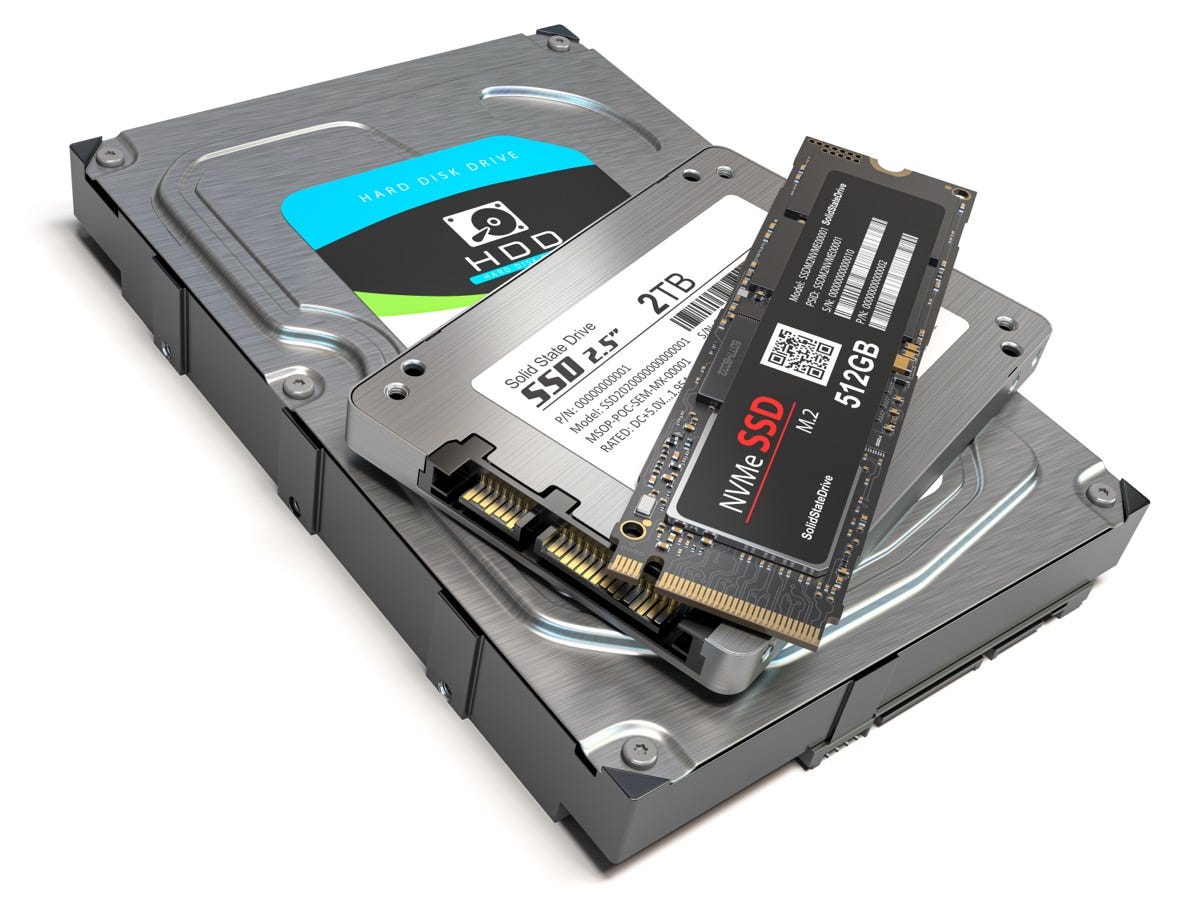
Now is the time for businesses to seriously evaluate how they will prepare for SSD retirement. Just a few years ago, SSDs were just starting to take hold in enterprise and cloud data centers because flash storage was still quite expensive. However, decreasing costs combined with new performance demands have made SSDs popular. As these storage devices reach the end of their useful lives, companies must figure out how to properly erase data—a complex process for SSDs.
flash rise
To understand the problems of compromising flash-based storage devices, organizations must first consider the pervasiveness of the technology. That may not seem like much, but the continued iterative increase in flash storage penetration is reaching a tipping point as more and more companies adopt the technology. Liz Conner, research manager for storage systems at IDC, explained that the move away from traditional storage technologies is well underway.
"The enterprise storage market ended the first quarter relatively flat, but in a familiar pattern," Conner said. "Spending on traditional external arrays continued to slowly shrink, while spending on all-flash deployments saw strong growth again and helped drive the overall market. At the same time, the nature of the hyperscale business resulted in wild volatility for the segment, which saw solid growth in Q1 2017 .”
Developing a strategy for destroying flash-based storage media, especially SSDs, starts with understanding exactly why they are so difficult to destroy.
"Companies have to figure out how they're going to properly erase data -- it's a complex process with SSDs."
SSD and data deletion issues
Flash memory has long been used in system cache, DRAM, and similar solutions. In these setups, basic flash memory configurations are switches that adjust the transistor charge to write a 0 or 1 and store the data. Once the power is turned off, the data will be deleted. SSDs are designed to take the high performance of flash memory and combine it with the long-term storage offered by hard drives. This is ultimately achieved by using floating gate transistors.
In floating-gate transistors, the charge is always held in the memory device, and quantum tunneling is used to switch the charge between 0 or 1. Therefore, the data is permanently stored in the chip without any moving parts or magnetic charges. The ability to retain charge and provide resilient storage makes SSDs difficult to destroy, highlighted by how the floating gate system works when scaled to the entire storage device.
SSDs are structured to store data in pages and blocks. Each block contains a certain number of pages, and those pages contain a certain amount of data storage capacity. Since the SSD controller stores data intelligently, it will find a blank page and write data to it until a block is full. Once all blocks are full, the controller identifies unused pages each time new data needs to be written to the drive. From there, the SSD will remember the data structure and reorganize pages and blocks to make room for the new information. SSDs don't rewrite old data, they just move around and reorganize data to expand capacity. Information is never truly erased.
Encryption - The First Step to Removing an SSD
Since SSDs are designed to retain data and constantly move data rather than lose it, software erasure is extremely difficult to accomplish. A Lifehacker report recommends that people encrypt their SSDs to protect data. Encryption tools don't erase data, they put it in code that makes it nearly unreadable.
The problem with encryption comes from the core concept of the code. Once the code is broken, the data is fully visible. For most people and types of data, it doesn't matter because the effort to crack good encrypted code is not worth it. However, organizations dealing with particularly sensitive information need to do more than just encrypt, as data thieves may have the motivation or resources needed to crack the code and steal the data. For SSDs, physical destruction through shredding is usually the best option.
“Proper SSD destruction depends on specialized tools.”
Physical SSD destruction
A ZDNet report noted that the combination of the TRIM command and built-in garbage collection tools — systems designed to ensure that data stored on SSDs is never actually lost — presents unique challenges for data destruction. Sources ultimately recommend physical destruction as an easy and safe way to physically destroy SSDs. However, ZDNet's focus on consumer audiences means it recommends hammer, nail, and similar methods that aren't precise enough for businesses. An SSD shredder is a must when sensitive data is involved.
Shredding is not as simple as dicing an SSD into smaller pieces. Instead, proper SSD destruction depends on specialized tools that shred the device into bits small enough to make the data completely unrecoverable. Think back to our discussion around floating gate transistors and data pages - these storage methods have very little storage space and the chopping has to be very finely tuned to remove the floating gate from reality and make the data inaccessible. That's exactly what a professional SSD shredder does.
The problem for most businesses is that they don't necessarily have the resources to invest in an SSD-only shredder. This is where Proton Data Security comes in. Our HD4800 solid state media shredder can shred any device that uses solid state storage media. This can include:
smart phone.
tablet.
SD card.
Flash drives.
SSD.
A good media shredder can give companies the tools they need to not only dispose of SSDs, but also help destroy the myriad of device types that store sensitive business data.